> ## Documentation Index
> Fetch the complete documentation index at: https://docs.a2v2.ai/llms.txt
> Use this file to discover all available pages before exploring further.
# Add YouTube Videos
> Train your agent on the spoken content of a YouTube video.
Add a **YouTube** source to train your agent on what's said in a video. A2V2.ai
pulls the video's transcript and indexes it like any other source — useful for
webinars, tutorials, talks, and product walkthroughs.
## Prerequisites
* An agent (see [Create an agent](/building/create-agent)).
* A public YouTube video that has captions/a transcript available.
* Enough credits to process the transcript (see [Credits](/concepts#credits)).
## Add a YouTube video
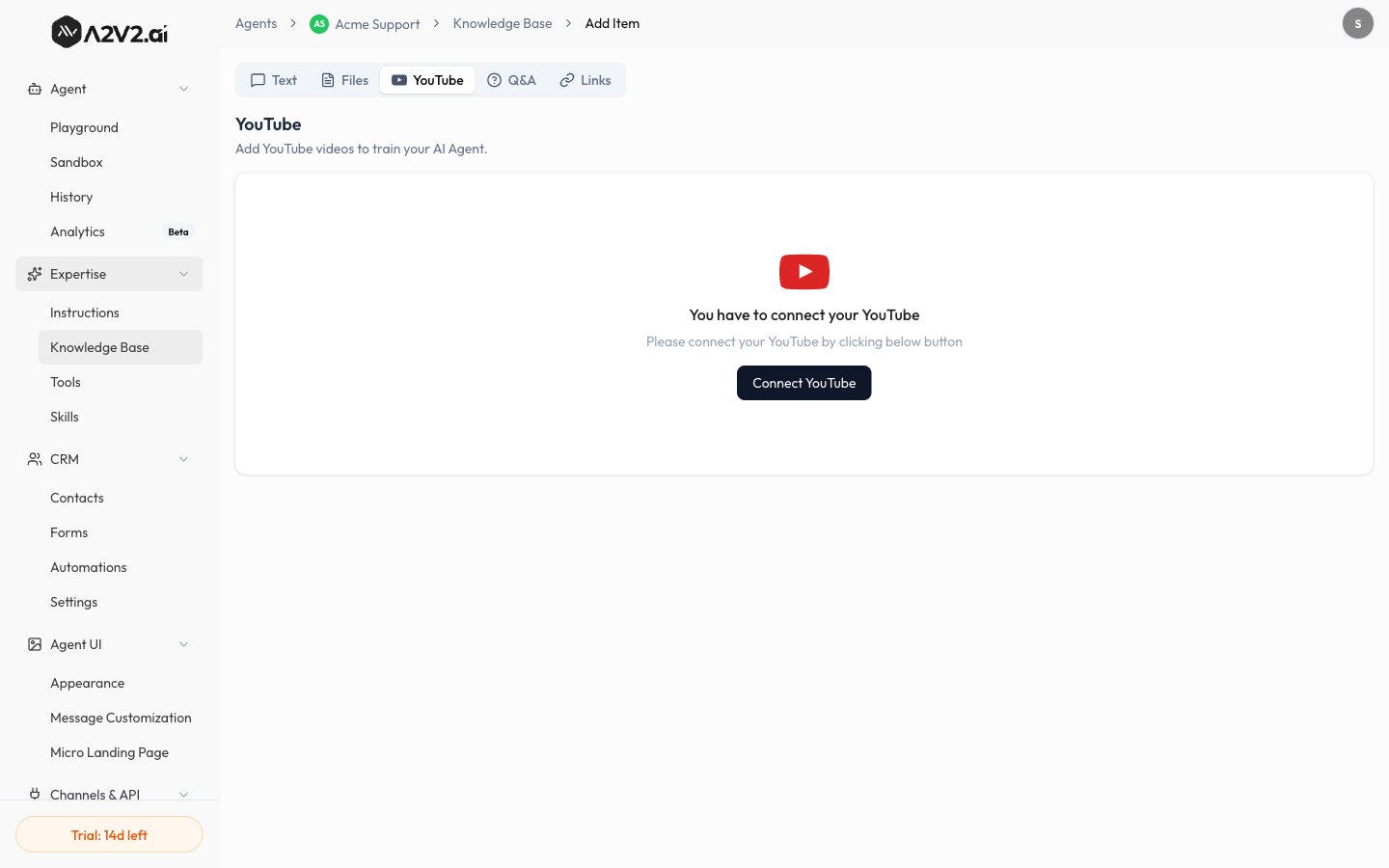
In the agent sidebar, go to **Expertise → Knowledge Base**.
Select **New Knowledge Item**, then open the **YouTube** tab.
Enter the full YouTube URL.
Confirm. A2V2.ai fetches the transcript, extracts the text, and indexes it.
The source shows **Processing** until it's done.
When the status turns **Completed**, the video's content is live in your agent.
 ## Options & limits
| Item | Detail |
| ------------------- | ------------------------------------------------------- |
| **Input** | A public YouTube video URL |
| **Requirement** | The video must have a transcript/captions available |
| **Indexed content** | The spoken words (transcript) — not the visuals |
| **Updates** | Re-add or reprocess if the video or its captions change |
Videos without captions can't be transcribed. If a video has no transcript,
summarize its key points as [Q\&A pairs](/knowledge-base/qa) instead.
## Tips
* Long videos produce long transcripts — they index fine but consider whether the
whole video is relevant.
* Transcripts capture *what was said*, so on-screen-only information (slides,
diagrams) won't be included. Add those separately as files or Q\&A.
## Troubleshooting
The video likely has no captions, or it's private/restricted. Use a public
video with captions, or add the content another way.
Only spoken words are transcribed. Add slides or visuals as an
[uploaded file](/knowledge-base/upload-files) or [Q\&A](/knowledge-base/qa).
## Related
## Options & limits
| Item | Detail |
| ------------------- | ------------------------------------------------------- |
| **Input** | A public YouTube video URL |
| **Requirement** | The video must have a transcript/captions available |
| **Indexed content** | The spoken words (transcript) — not the visuals |
| **Updates** | Re-add or reprocess if the video or its captions change |
Videos without captions can't be transcribed. If a video has no transcript,
summarize its key points as [Q\&A pairs](/knowledge-base/qa) instead.
## Tips
* Long videos produce long transcripts — they index fine but consider whether the
whole video is relevant.
* Transcripts capture *what was said*, so on-screen-only information (slides,
diagrams) won't be included. Add those separately as files or Q\&A.
## Troubleshooting
The video likely has no captions, or it's private/restricted. Use a public
video with captions, or add the content another way.
Only spoken words are transcribed. Add slides or visuals as an
[uploaded file](/knowledge-base/upload-files) or [Q\&A](/knowledge-base/qa).
## Related