

When to use Q&A
Predictable answers
Use Q&A when the answer must be exact — refund policy, hours, pricing tiers.
Filling gaps
Add Q&A for questions your documents don’t cover well.
Prerequisites
- An agent (see Create an agent).
- The question (as a customer would ask it) and the answer you want returned.
Add a Q&A pair
1
Open the Knowledge Base
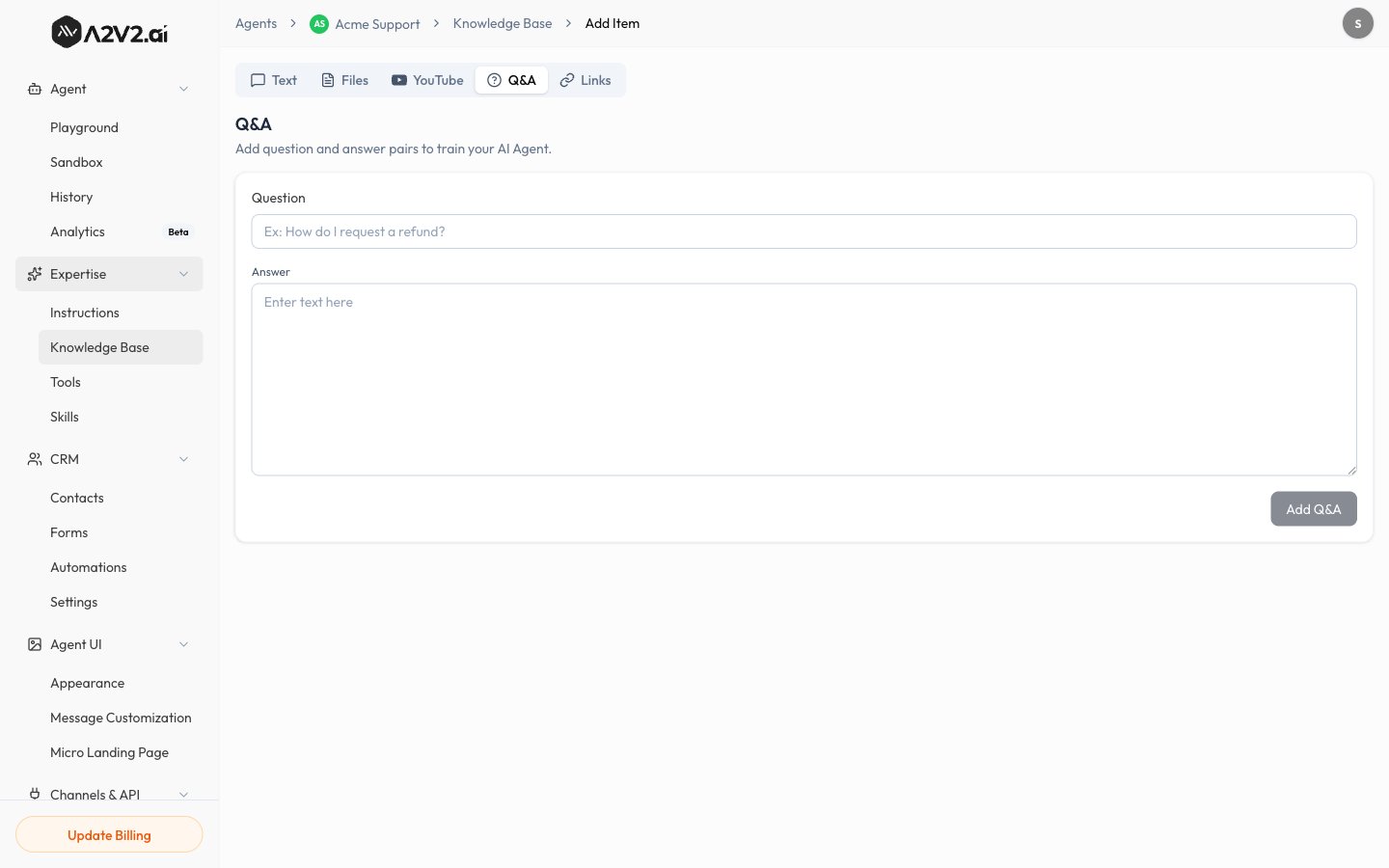
In the agent sidebar, go to Expertise → Knowledge Base.
2
Open the Q&A tab
Select New Knowledge Item, then open the Q&A tab.
3
Write the question
Phrase it the way a real customer would ask.
4
Write the answer
Enter the exact response you want the agent to give.
5
Save
The pair is indexed (usually quickly) and becomes live when Completed.
Editing a Q&A
You can update an existing Q&A pair from the source list — change the question or answer and it’s re-indexed automatically. See Manage sources.Tips
Troubleshooting
The agent gives a different answer than my Q&A
The agent gives a different answer than my Q&A
Another source may be a stronger match, or the question wording differs. Add a
closer-matching question variation, and make sure conflicting older sources are
updated or removed.