

Prerequisites
- You must be the organization Owner to subscribe or change billing.
- Choose a plan first — see Plans.
Subscribe through Stripe checkout
1
Pick a plan
On Billing → Plans, select the plan you want (or an
add-on).
2
Get redirected to Stripe
A2V2.ai shows “Redirecting to checkout…” and hands you off to Stripe’s
secure, hosted checkout page.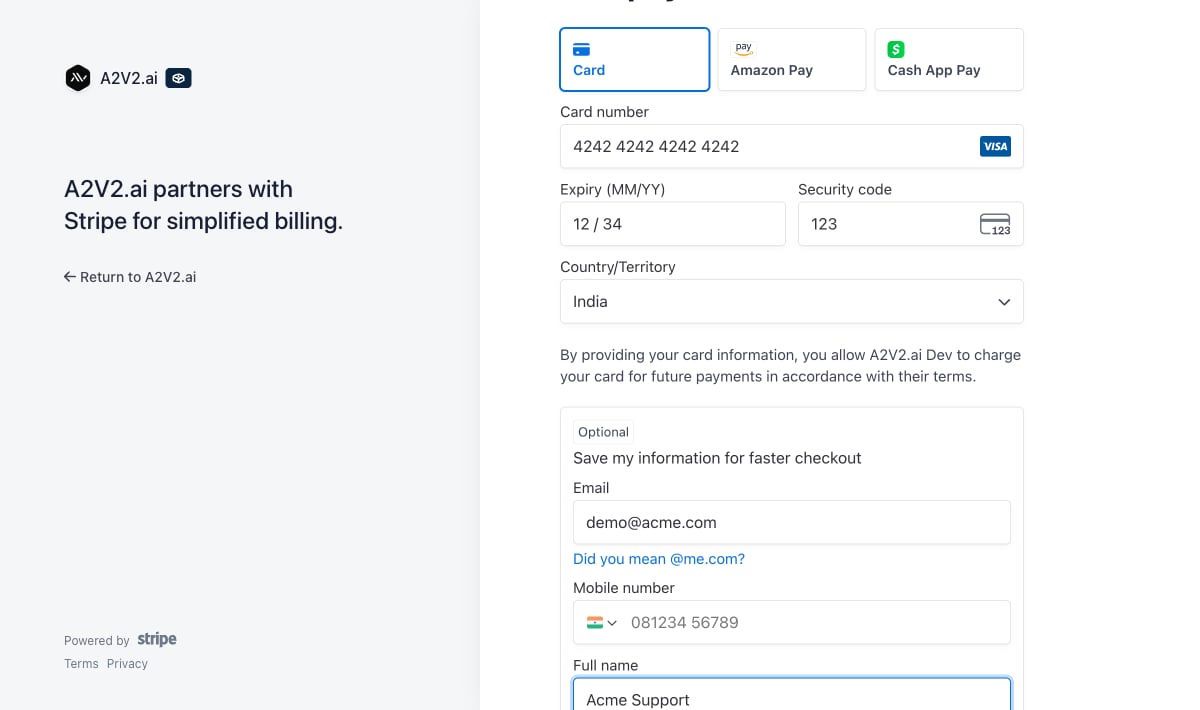
3
Enter payment details
Fill in your card and billing information on Stripe. If you have a promotion
code, you can enter it here.
4
Return to A2V2.ai
After payment, Stripe returns you to your billing settings, and your new plan
and credit allowance activate. If you cancel checkout, you come back to billing
with no charge and no change.
It can take a moment after payment for your plan and credits to update. Use
Refresh Usage on the Billing page if the new figures aren’t showing yet.
Manage billing in the customer portal
Once you have an active subscription, use the Stripe customer portal to manage the financial side of your account. Open it with Update Billing (or Update Billing Details) from your billing settings. In the portal you can: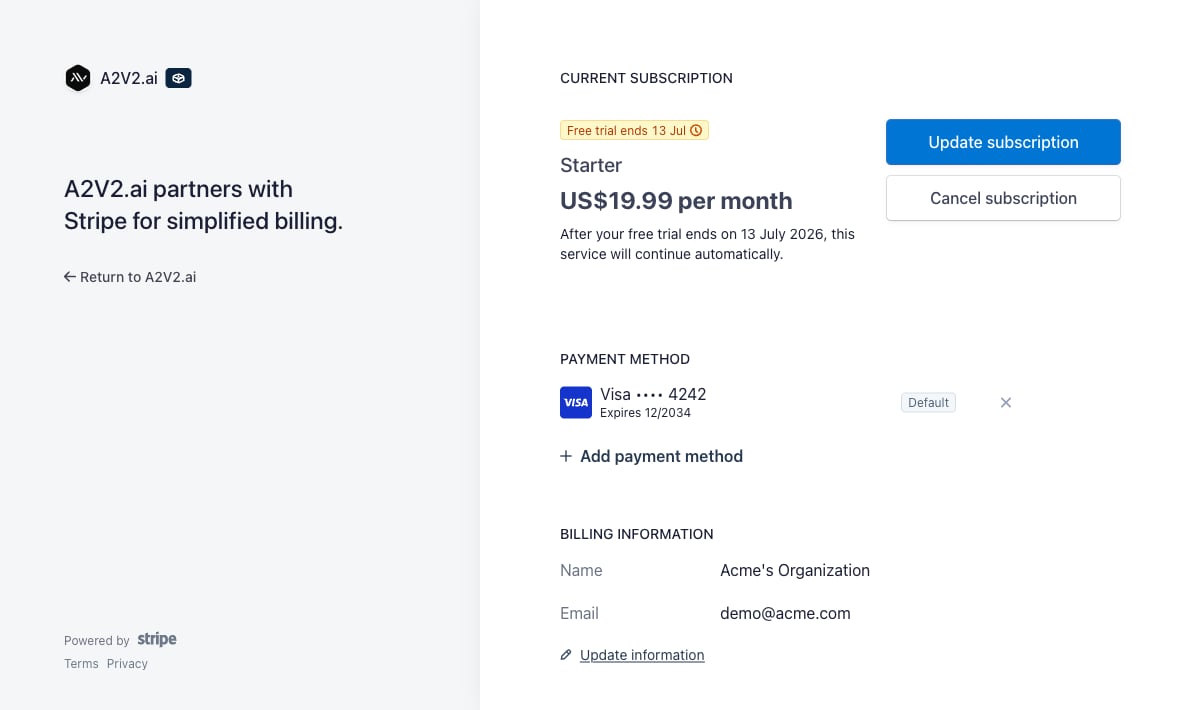
Your renewal date
Your next renewal is shown on the Billing page as the Next Billing Date, with a days remaining countdown. Your plan credits refill on that date, and your subscription renews automatically until you change or cancel it.Troubleshooting
Checkout didn't complete or I was charged but nothing changed
Checkout didn't complete or I was charged but nothing changed
Return to the Billing page and select Refresh Usage. If your plan still
hasn’t updated after a few minutes, contact
support@a2v2.ai with the email used at checkout.
A renewal payment failed
A renewal payment failed
Open the customer portal via Update Billing and add a working payment
method. Paid features resume once a successful payment goes through.
I can't open billing
I can't open billing
Only the organization Owner can manage subscriptions and payment details.
I have a promotion code
I have a promotion code
Enter it on the Stripe checkout page during a new subscription or upgrade.
Related
Plans
Compare tiers before you subscribe.
Auto-recharge
Set up automatic credit top-ups.
Add-ons
Buy extra agents and seats.
Credits explained
Understand what your subscription powers.