

A Medical Agent is built for health-related questions, symptom guidance, and basic
medical support. It is a patient-support assistant, not a diagnostic or clinical
decision-making tool — keep that scope in mind when you write its
instructions.
Who it’s for
Choose a Medical Agent when your agent will handle protected health information (PHI) and you want the clinical tools that come with it:- Clinics and practices running a patient-facing assistant.
- Health and wellness programs that track readings like weight, glucose, or blood pressure over time.
- Any use case where you need per-patient prescriptions and a shared medications list.
Two gates, and what each one controls
Medical Agents have two distinct controls that are easy to confuse. Keep them straight:
In other words, the clinical tools are available immediately once the agent is a
Medical Agent. The BAA is a separate, human-processed contract that only stops you from
publishing the agent until it’s active. You can build and test everything privately in the
meantime. See Set up a Medical Agent & the BAA for the full flow.
What a Medical Agent unlocks
These features appear only on Medical Agents. Each has its own page:Health tracking
A Health tab on every contact for recording readings, with a library of clinical
parameters ready to use out of the box.
Health buckets
Group parameters into named sets — “Blood Work”, “Vitals” — that roll up into
Health and Risk score cards.
Prescriptions
A Prescriptions tab on each contact to record medications, dosing, and dispense
history per patient.
Medications catalog
An organization-wide list of medicines and their variants that prescriptions draw
from.
Field & form encryption
Encrypt sensitive custom fields at rest — available only on Medical Agents.
BAA status
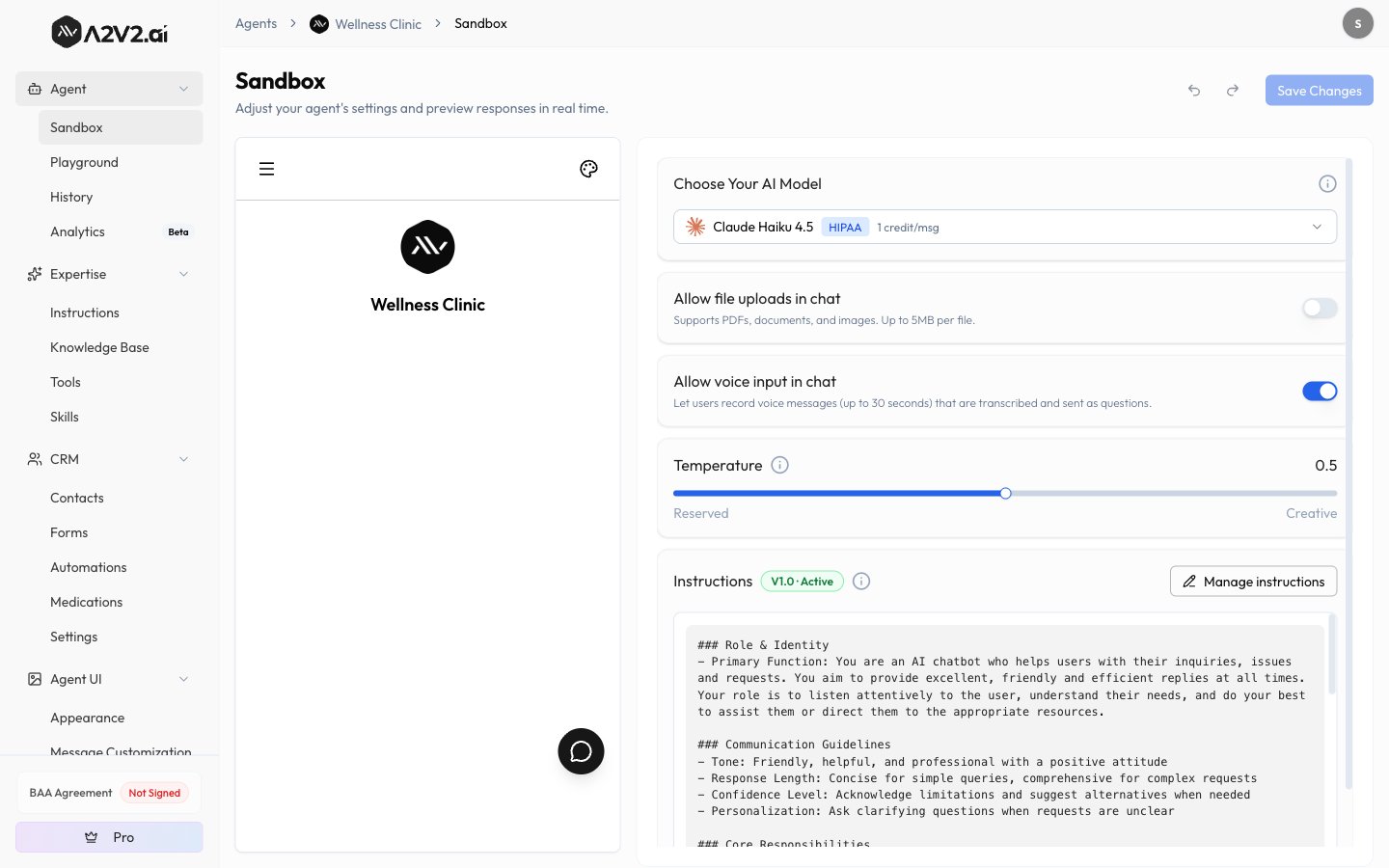
A sidebar tile showing your agreement status: Not Signed, In Progress, or Active.
How the pieces fit together
The clinical features build on each other, so set them up in this order:- Create the Medical Agent and request the BAA — see Set up a Medical Agent & the BAA.
- Review your medications catalog — the shared list prescriptions draw from.
- Review health parameters and add prescriptions — health tracking parameters come pre-loaded; prescriptions are added per contact.
- Group parameters into buckets — turn parameters into scored buckets on the Health tab.
Related
Set up a Medical Agent & the BAA
Create the agent, request the agreement, and understand the publish gate.
Create an agent
The general create flow and how agent types compare.
Data privacy & isolation
How A2V2.ai keeps your data isolated, and what HIPAA compliance means here.
Tebra integration
Import patients, health readings, and prescriptions from Tebra into a Medical Agent.