

Prerequisites
- An agent (see Create an agent).
- A supported file: PDF, DOCX, or TXT.
- Enough credits to process the document (large files cost more — see Credits).
Upload a file
1
Open the Knowledge Base
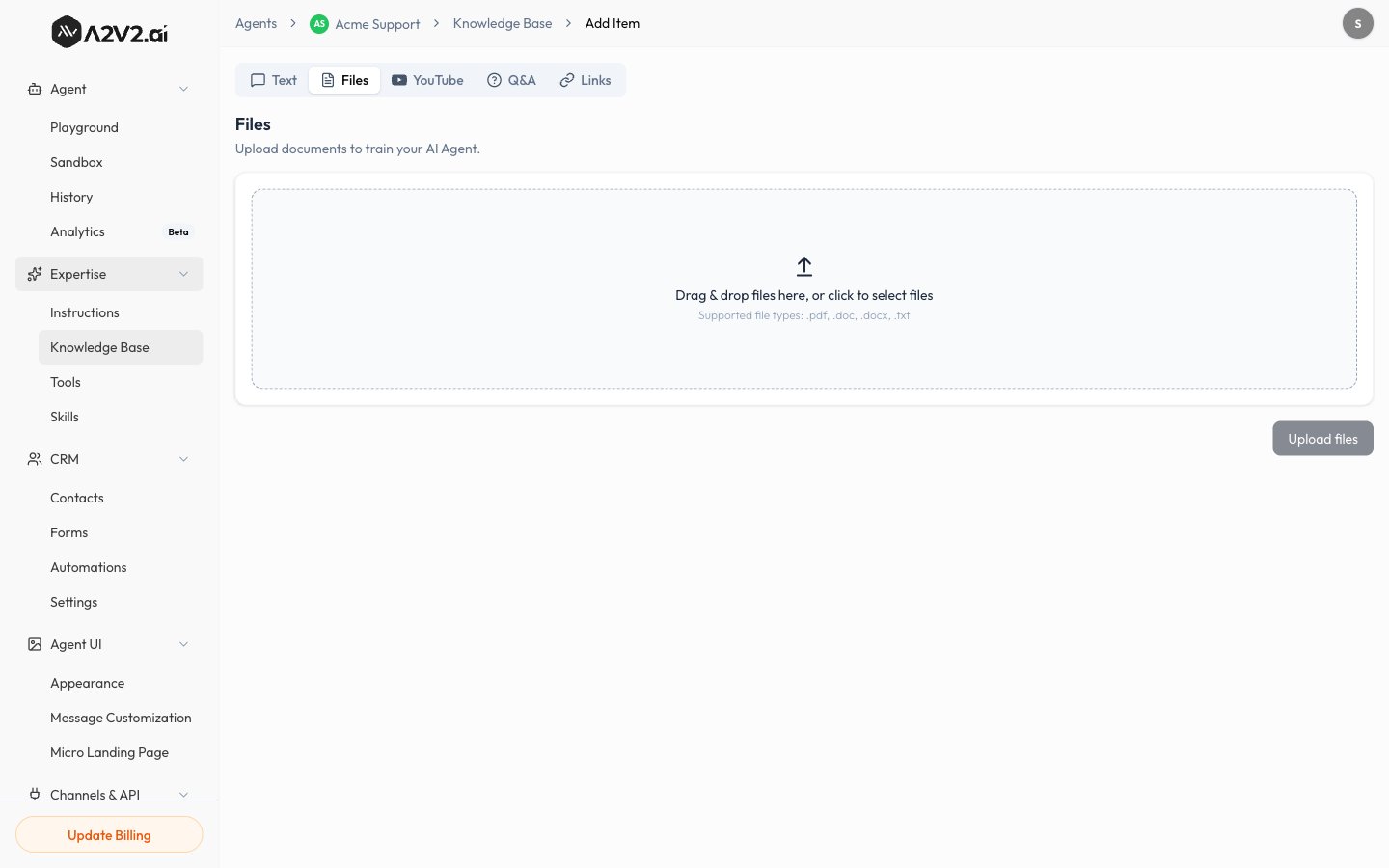
In the agent sidebar, go to Expertise → Knowledge Base.
2
Open the Files tab
Select New Knowledge Item, then open the Files tab.
3
Select your document
Pick a PDF, DOCX, or TXT file from your computer. You can add more than one.
4
Start processing
Confirm the upload. The source appears in your list with a Processing
status while it’s indexed.
5
Wait for Completed
Once the status turns Completed, the document is live and your agent can
answer from it.
Supported files & limits
Scanned PDFs (images of text) extract less reliably than digital PDFs. If a
scanned document indexes poorly, convert it to text first or add the key points
as Q&A pairs.
Tips
Troubleshooting
The status is stuck on Processing
The status is stuck on Processing
Large or image-heavy files take longer. Give it a few minutes. If it stays
stuck or turns Failed, reprocess the source.
The agent doesn't use my document
The agent doesn't use my document
Confirm the source shows Completed. If it does, the content may not match
how the question is phrased — try adding a Q&A pair for
that question, or upload supporting material.
The upload failed
The upload failed
Check the file type (PDF, DOCX, TXT only) and that the file isn’t corrupted.
Re-export it and try again.